




General


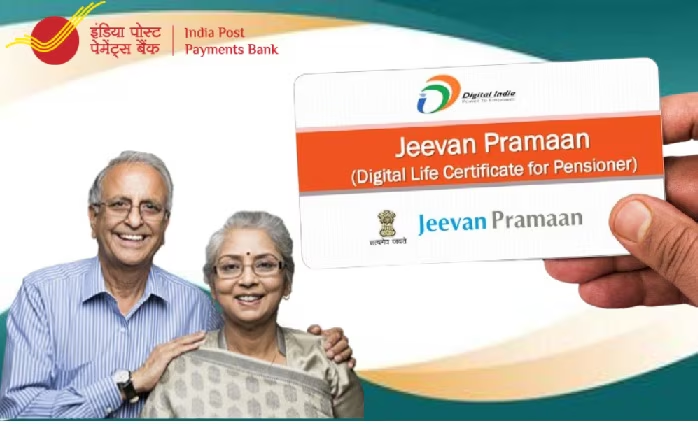
To ensure uninterrupted pension payments, pensioners are required to submit a Life Certificate (Jeevan Pramaan) every year. With the introduction of the digital Jeevan Pramaan system, this process can now be completed easily from home. Verification can be done through face authentication or biometric methods (fingerprint or iris), eliminating the need to visit banks or pension offices.
Online Method (via the Jeevan Pramaan Portal):
1. Visit the official website jeevanpramaan.gov.in.
2. Enter your Aadhaar number, mobile number, PPO number, pension type, and bank details.
3. Confirm re-employment or re-marriage details, if applicable.
4. Scan your fingerprint or iris using a registered biometric device.
5. The certificate will be generated, and a confirmation ID will be sent to your registered mobile number via SMS.
Through the UMANG App:
1. Download the UMANG app from the Google Play Store.
2. Search for ‘Jeevan Pramaan’ and select ‘Generate Life Certificate’.
3. Enter Aadhaar and PPO details and complete biometric authentication.
4. The DLC (Digital Life Certificate) will be generated and automatically forwarded to the concerned authority.
Offline Method:
1. Life Certificates can also be submitted at bank branches or nearby Citizen Service Centres (CSC).
2. For pensioners who are unable to visit in person, doorstep service is available through the India Post Payments Bank (IPPB).













Comments (0)
No comments yet
Be the first to comment!